
Jenny Mod Nami Skin – One Piece Style Comes to Minecraft (2026)
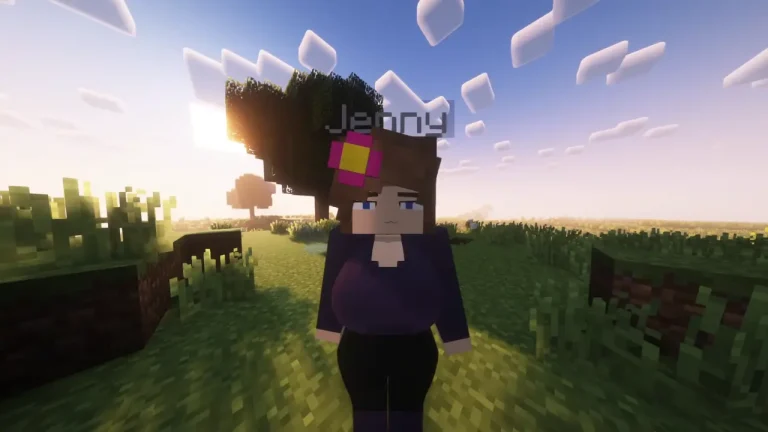
One Piece fans who play Minecraft with Jenny Mod finally have something to get excited about. The Nami Skin for Jenny Mod is a well-crafted resource pack that gives Jenny a complete visual makeover — turning her into Nami, the iconic navigator from the Straw Hat crew.
If you’ve been looking for a way to mix your love for One Piece with your Minecraft sessions, this is honestly one of the better fan-made skins out there right now. Let me break it all down for you.
What Is the Nami Skin for Jenny Mod?
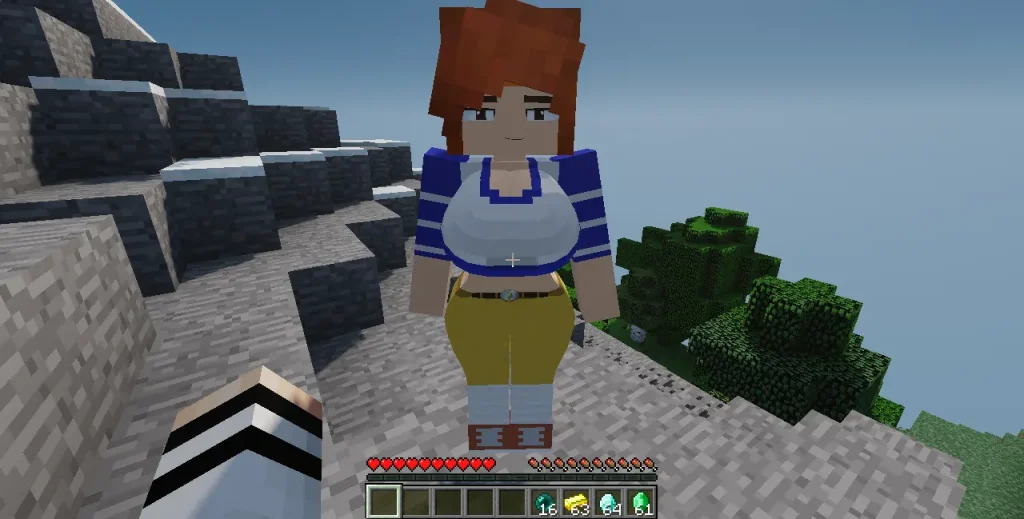
This isn’t just a basic PNG swap. The Nami Skin comes as a full resource pack — which means the textures are properly mapped to Jenny’s model. You get clean visuals without any stretching, misaligned textures, or broken edges that often show up in low-effort fan skins.
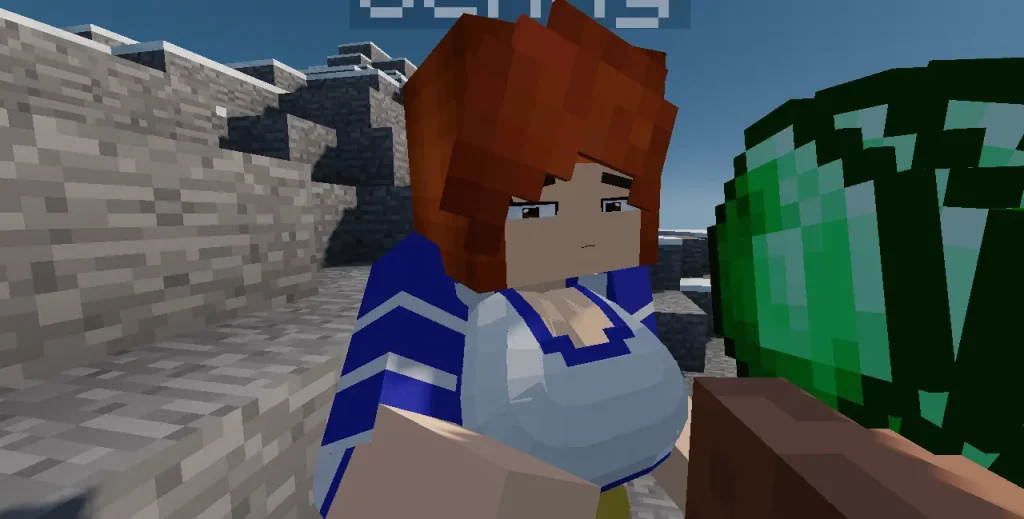
The design stays true to Nami’s anime look — the bright orange hair, her signature outfit, the overall color palette. It’s all been adapted into Minecraft’s blocky aesthetic without losing what makes the character recognizable in the first place.
It works exclusively with Jenny Mod on Minecraft Java Edition, so keep that in mind before you install.
Why This Skin Stands Out
Proper resource pack format. Unlike basic skins that just slap a PNG on the model, this comes as a full .zip resource pack — so it integrates cleanly with how Minecraft handles textures.
Faithful to the original design. The skin doesn’t go overboard trying to recreate every detail. It captures Nami’s look accurately while keeping it appropriate for Minecraft’s art style.
Lightweight and performance-friendly. The file size sits around 100–200KB, which means zero impact on your game performance. It won’t slow anything down.
Quick Feature Overview
1
Full Resource Pack
Complete .zip format — no texture issues or bugs
2
Anime Accurate
Nami’s iconic look faithfully recreated for Minecraft
3
Java Edition Only
Designed specifically for Jenny Mod on Java Edition
4
Super Lightweight
Only ~100–200KB — zero impact on game performance

How to Install the Nami Skin
The installation process is straightforward. Follow these steps and you’ll be done in under two minutes:
1
Get the skin file from the homepage
it comes as a .zip file. Don’t extract it — keep it as is.
2
Press
Win + R, type %appdata%\.minecraft\resourcepacks and hit Enter. This opens the resource packs folder directly.
3
Move the file
Move the downloaded .zip file into this folder.
4
Launch Minecraft
Go to Options → Resource Packs. You’ll see the Nami Skin Pack in the available list.
5
Click it to activate
Then hit Done. Load up your world — Jenny will now appear as Nami.
Important — Jenny Mod required
This skin only works if Jenny Mod is already installed and active. If you haven’t set that up yet, visit the homepage first to get Jenny Mod, then come back here for the skin installation.
Who Is This For?
Honestly, this skin is perfect for two types of players. First, One Piece fans who are already using Jenny Mod and want to personalize their experience beyond the default look. Second, players who just enjoy having a high-quality, well-designed anime skin that doesn’t look rushed or broken in-game.
If you fall into either of those categories, you’ll enjoy this one. It’s one of the few fan skins that actually looks intentional and polished rather than thrown together.
Final Thoughts
The Nami Skin for Jenny Mod is a small addition that makes a real difference in how your game feels. It’s lightweight, visually accurate, and takes almost no time to set up. If you’re a One Piece fan playing with Jenny Mod, there’s really no reason not to give it a try.
Drop the file in your resource packs folder and let Jenny navigate the Grand Line in proper Straw Hat style.
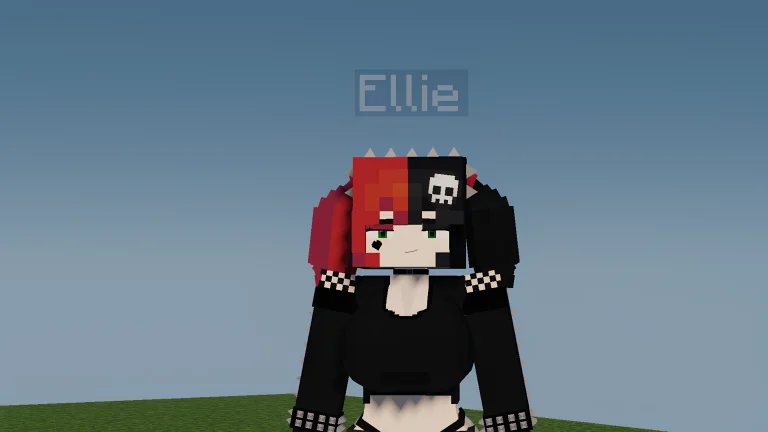
If you enjoy switching up Jenny’s look, you might also want to check out the Makima Ellie Skin we covered earlier. It’s another popular fan-made skin in the Jenny Mod community with a completely different anime-inspired vibe — worth a look if you like trying out new styles.